
Latest Version
PC Assist Software
Tools
Windows
5.99
9phz5pfrz185
Report a Problem
More About Backup Assist App Review
A Practical Approach to Safeguarding Your Local Files
The Backup Assist external data backup utility by PC Assist Software offers Windows users a straightforward, no-nonsense method for securing their vital files. Rather than forcing users to navigate overly complex cloud configurations or subscription-heavy platforms, this tool focuses entirely on local storage. It provides a direct pipeline from your internal drive to an external hard drive, ensuring you always have physical control over your archive.
How It Works: Streamlined Local Archiving
Operating this utility is remarkably simple, making it accessible even to those who dread dealing with technical settings. The core workflow consists of three basic steps:
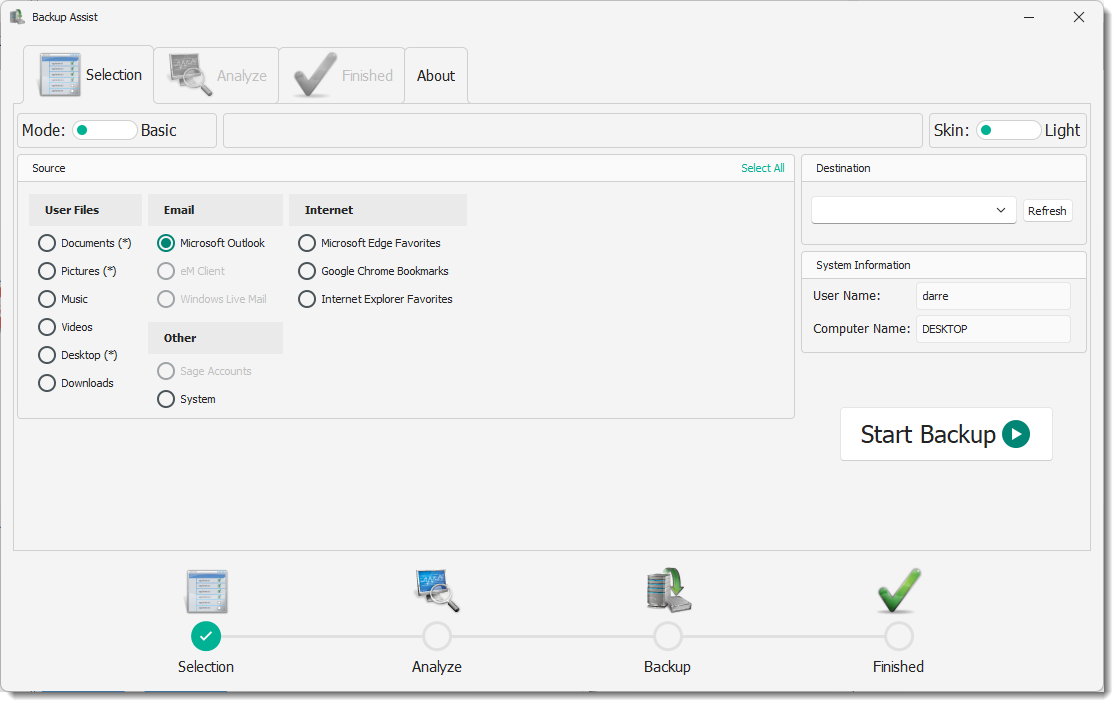
- Select: Choose the specific folders and items you want to protect.
- Target: Point the software toward your connected external hard drive.
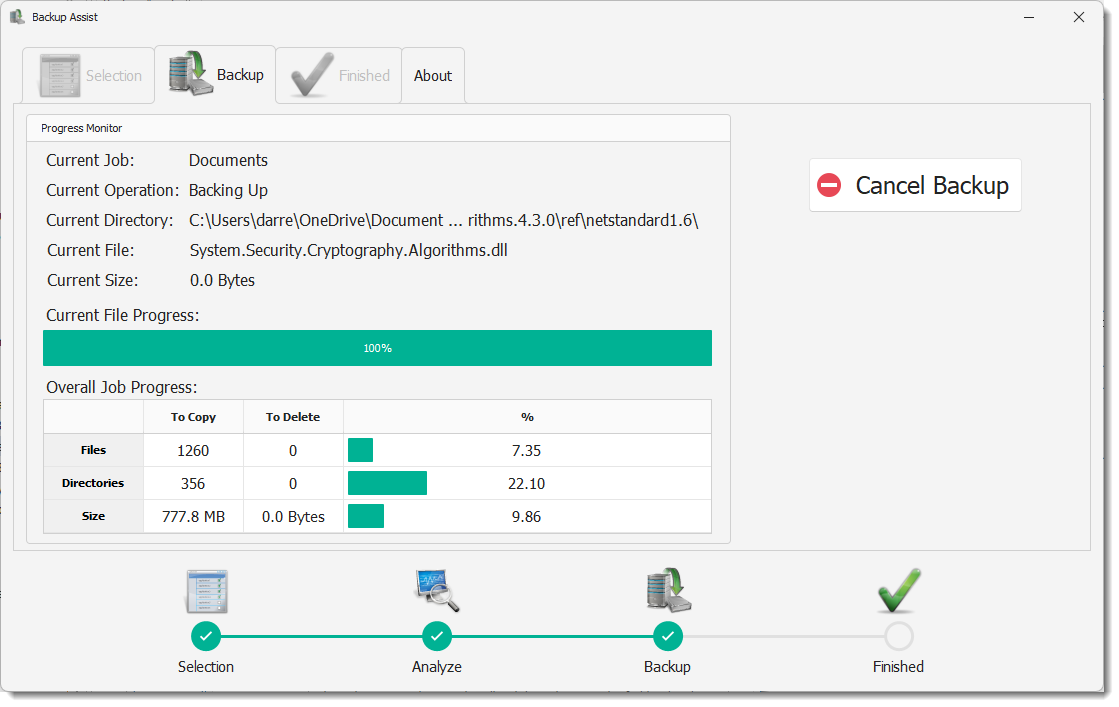
- Execute: Let the utility process the transfer quietly in the background.
Advanced Options for Power Users
While the standard interface is designed for rapid, everyday use, the software features an Advanced mode tailored for those who require more precise control over their Backup Assist external data backup routines. Within this mode, you can unlock several key functionalities:
Custom Directory Mapping
Add specific, non-standard folder locations to your regular routine, ensuring that unique application directories or hidden project files are never left behind during a run.
Automated Post-Task Shutdowns
If you have a massive directory to copy, you can initiate the process before bed or at the end of the workday. The application can automatically shut down your Windows PC as soon as the transfer concludes, saving power and securing your system.
Alternative Copy Methods
Advanced users can modify the underlying transfer rules to better suit different file types and storage devices, providing a level of customization rarely seen in entry-level utilities.
Who Is This Tool For?
This utility is ideal for desktop users who prefer offline, physical backups over cloud subscriptions. Whether you are safeguarding family photos, creative projects, or critical business documents, it offers a reliable safety net against local drive failures. Because it runs locally on Windows, your data remains entirely private and under your physical custody.
Our Editorial Verdict
PC Assist Software has delivered a highly practical tool that does exactly what it promises without unnecessary bloat. If you want an uncomplicated way to manage your local archives, this utility is well worth considering. To explore its features further or to purchase the tool, visit the official Microsoft Store page to get started.
Rate the App
User Reviews











Popular Apps










Editor's Choice