


Latest Version
Devloper.Avinash
Tools
Windows
4.19
9p6k519n98r0
Report a Problem
More About AutoBackup Utility
The Risk of Data Loss and How AutoBackup Utility Solves It
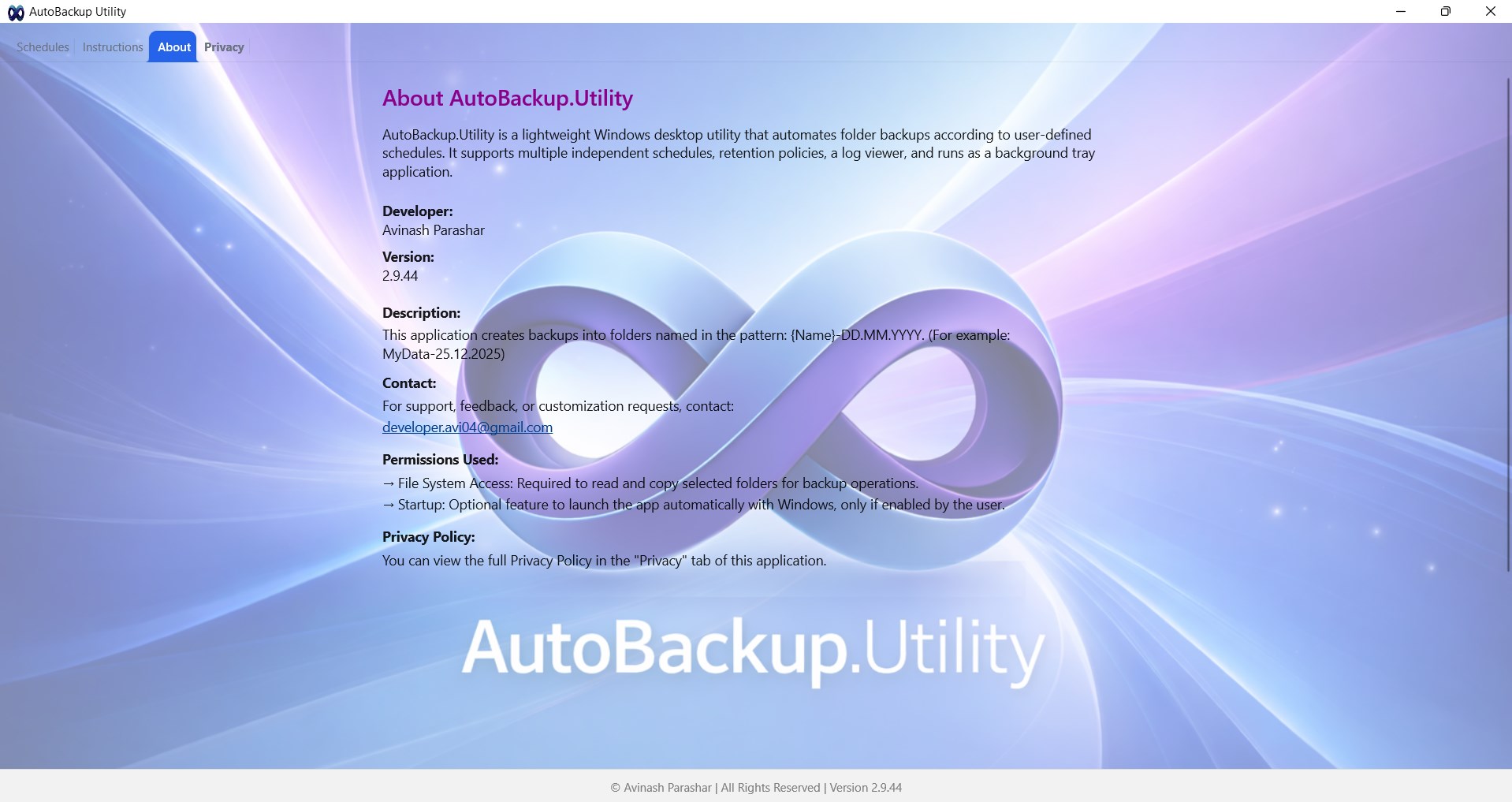
We have all experienced that sudden moment of panic when a system crash, accidental deletion, or file corruption threatens days of hard work. Manually copying files to an external drive is a chore most of us neglect until it is too late. The AutoBackup Utility local backup tool offers a straightforward, set-and-forget remedy to this everyday digital anxiety, specifically designed for Windows users who value their time and data integrity.
How the AutoBackup Utility Local Backup Tool Works
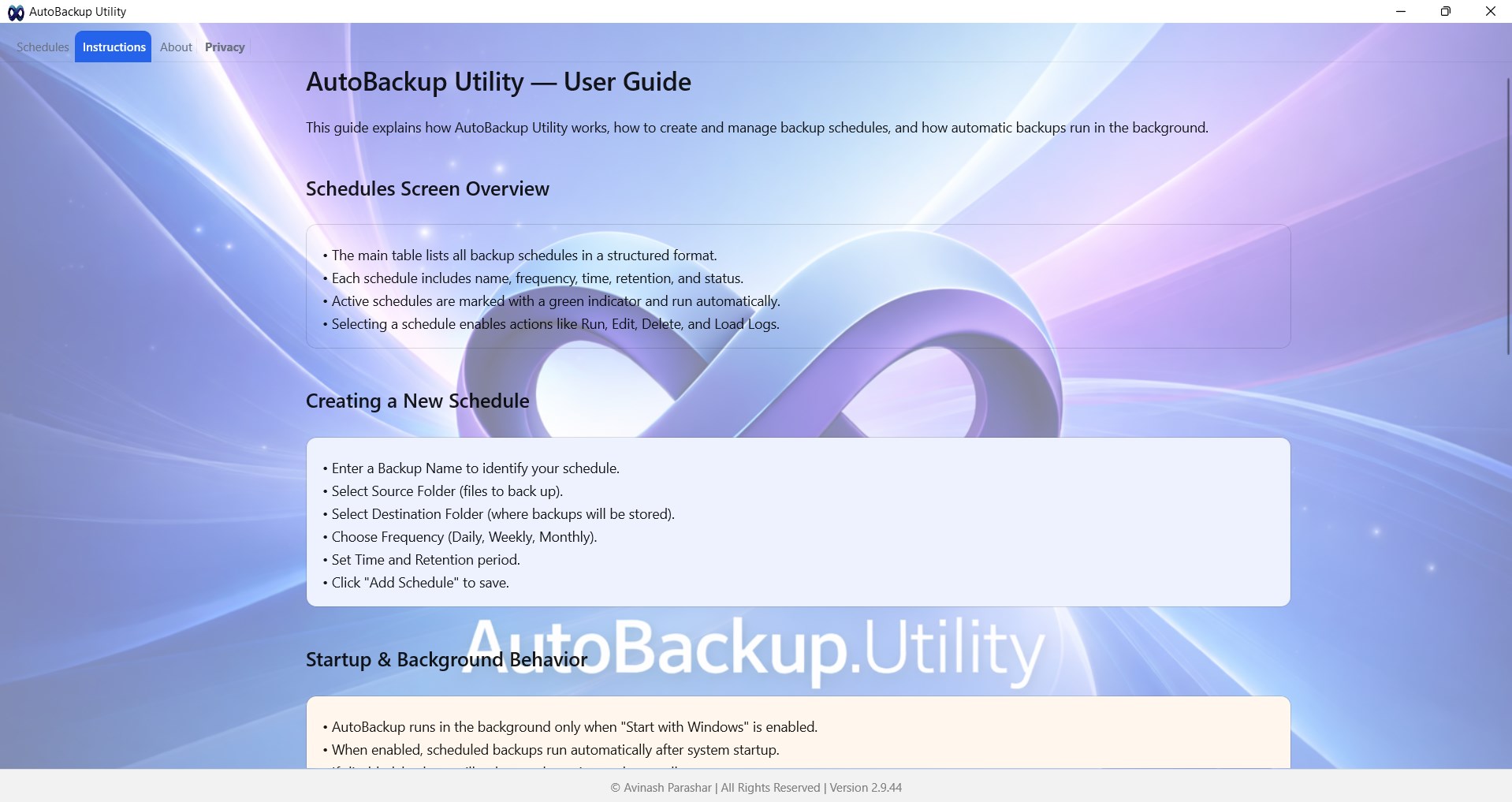
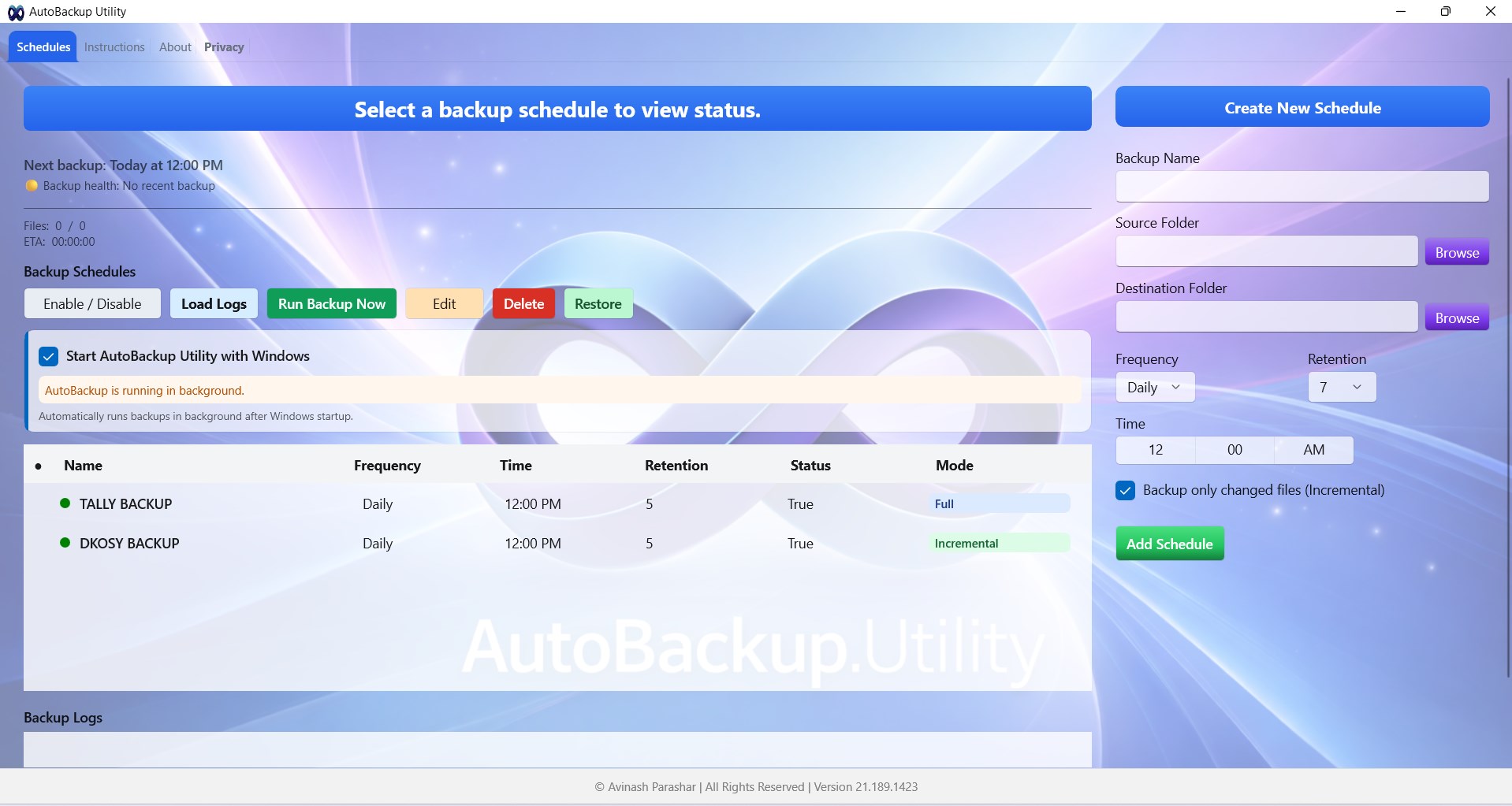
Engineered by developer Devloper.Avinash, this lightweight utility integrates directly into your desktop environment. The workflow is intentionally simple: you select your critical source directories, choose a secure target destination on your local storage, and establish your preferred automation parameters. From there, the software runs quietly in the background, executing your backup routines without demanding manual intervention or system resources.
Standout Features for Secure File Management
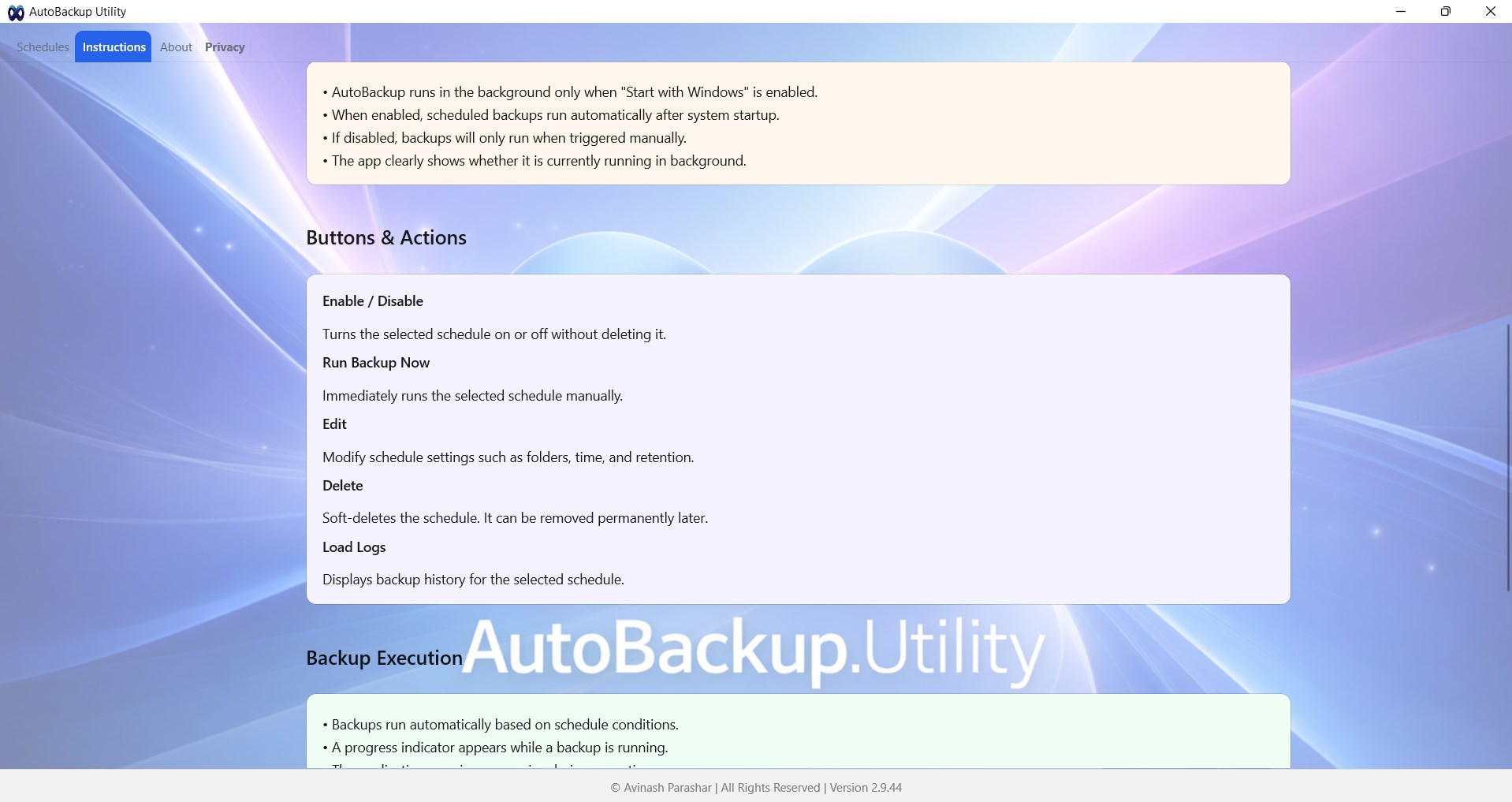
- Automated Scheduling: Configure your backups to run on a daily, weekly, or monthly cadence depending on how frequently your files change.
- Independent Backup Profiles: Set up distinct rules for different folders. For instance, back up your active work documents daily, but archive your media folders monthly.
- Customizable Retention Policies: Manage your disk space efficiently by defining exactly how many historical backup versions you want to keep.
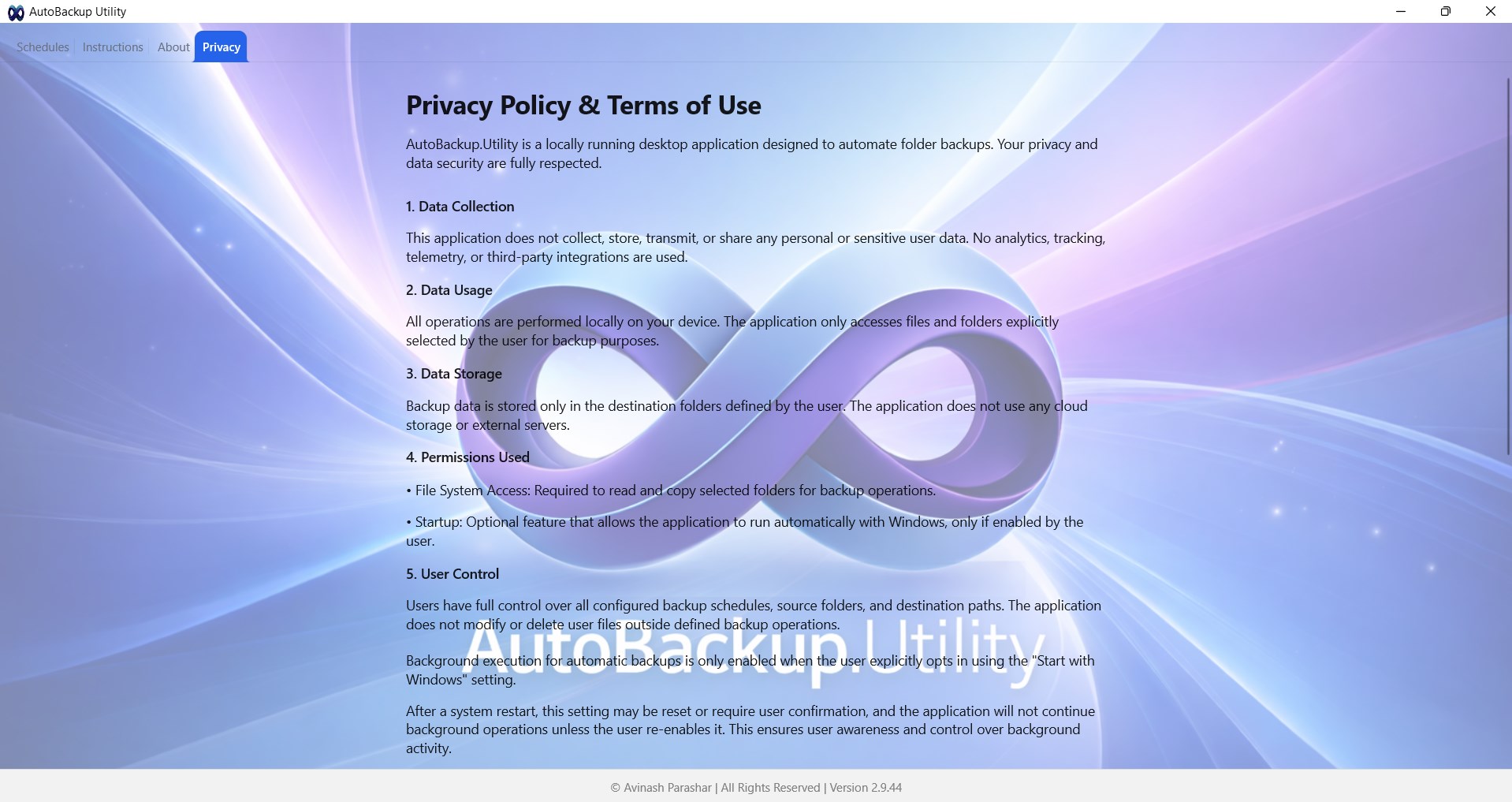
- Absolute Privacy: The application operates entirely offline. There are no cloud syncs, external trackers, or data transmissions, keeping your confidential files strictly on your physical machine.
Who is This Windows Utility For?
The AutoBackup Utility local backup tool is highly recommended for professionals, creators, and home users who prefer local data sovereignty over subscription-based cloud storage. Because it operates without external servers, it is an ideal match for remote workers handling sensitive proprietary information, offline workstations, or anyone seeking a clean, distraction-free utility that does one job exceptionally well.
Our Editorial Verdict
If you are looking for a bloated, cloud-dependent backup suite, this is not it. However, if you require a reliable, privacy-centric, and lightweight Windows application to safeguard your local directories automatically, this utility delivers on its promises beautifully. To start securing your folders, head over to the official Microsoft Store to purchase and download your copy of AutoBackup Utility today.
Rate the App
User Reviews










Popular Apps










Editor's Choice